By Maya Chen, lettering designer and type educator · Checked by Jordan Hale · · How we review content
Key facts
- TikTok fonts work by pasting Unicode letters, which display in your nickname, bio, captions and comments.
- A TikTok @username is 2–24 characters of letters, numbers, underscores and periods, cannot end with a period, rejects styled letters, and can be changed once every 30 days (TikTok Support).
- A TikTok nickname holds up to 30 characters, accepts styled letters and emoji, and can be changed once every 7 days (TikTok Support).
- A TikTok bio holds up to 80 characters (TikTok Support), and styled letters and emoji work in it.
- Styled letters are different characters from plain ones, so someone searching Maya may not find a nickname written as 𝓜𝓪𝔂𝓪.
Where fancy letters work on TikTok
Each TikTok profile field has its own rules. Open Compatibility & details on any style above to see whether your text fits.
- Username (@handle)No
Limit: 24 chars
2–24 characters: letters, numbers, underscores and periods, and it cannot end with a period. Can be changed once every 30 days (TikTok Support).
- NicknameYes
Limit: 30 chars
Up to 30 characters, and you can change it once every 7 days (TikTok Support). Styled letters and emoji are accepted.
- BioYes
Limit: 80 chars
Up to 80 characters (TikTok Support). Styled letters and emoji work.
- Captions and commentsYes
Styled text displays. Keep hashtags and key search words plain so they still match what people search for.
Sources: TikTok Support (changing your username), TikTok Support (username rules), TikTok Support (nickname rules), TikTok Support (bios cannot exceed 80 characters), DEV Community (Unicode in bios)
These TikTok fonts convert your nickname, bio or caption into styled Unicode letters, like 𝓜𝓪𝔂𝓪 𝓛𝓸𝓹𝓮𝔃, that you copy and paste into TikTok. They work in your nickname, bio, captions and comments, but never in your @username. The table below lists the limits for each field.
How to use TikTok fonts
- Type or paste your text in the box at the top. Every style updates as you type.
- Pick a style. Bold cursive and bold sans are the easiest to read on a small phone screen.
- Tap Copy on the row you like, then paste it into Edit profile, in the Name or Bio field.
Worked example: a styled nickname
Typing Maya Lopez gives 𝓜𝓪𝔂𝓪 𝓛𝓸𝓹𝓮𝔃 in bold cursive. Paste it into your Nickname, not your @username, and remember the nickname can only be changed once every 7 days.
Three names, three sets of rules
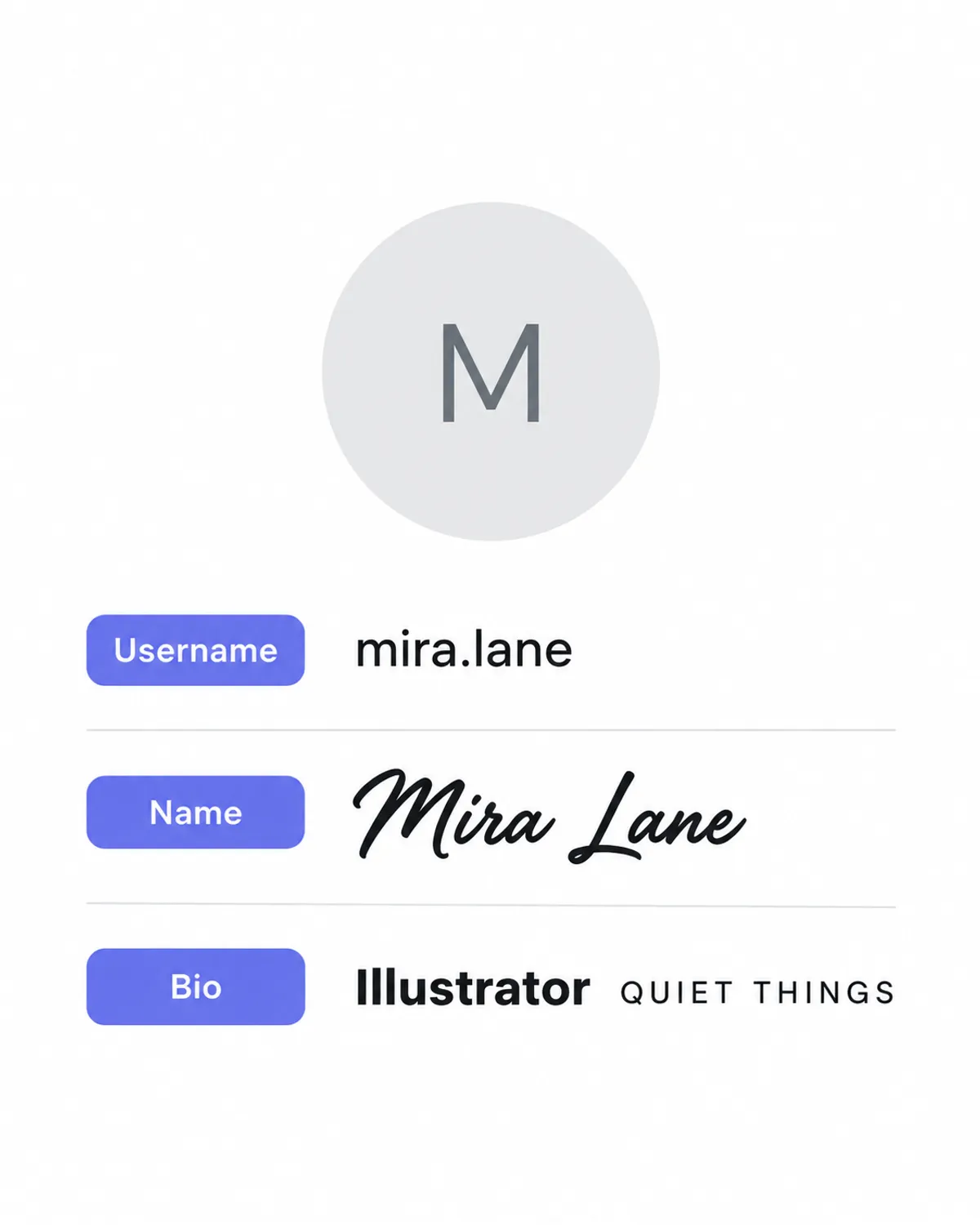
TikTok shows three pieces of identity on your profile, and only two can be styled:
- @username – the handle in your profile link, mentions and duets. TikTok’s help center allows letters, numbers, underscores and periods, 2–24 characters, not ending in a period, with one change every 30 days. Styled letters are rejected.
- Nickname – the larger name at the top of your profile and on your videos in the feed. This is where styled lettering belongs. TikTok allows up to 30 characters and one change every 7 days.
- Bio – the short text under your follower counts, up to 80 characters. Styled letters, emoji and line breaks all work.
People often try to paste ᴍᴀʏᴀ into the username field and get an error. That’s expected. The nickname field is the one you want.
Building a TikTok bio that works
TikTok bios are short and read in a glance, usually while someone decides whether to follow after watching one video. Three lines is a good shape:
𝓜𝓪𝔂𝓪 ✦ dance + choreo
new tutorial every Fri
collabs → email in bio link- Line 1 sets the mood with one styled phrase.
- Line 2 says what you post, in plain words a visitor can scan.
- Line 3 tells people what to do next.
TikTok’s help center caps bios at 80 characters, so be economical. Each styled letter in bold, cursive, small caps or bubble is a single Unicode character, though TikTok does not document how its counter treats them, so check the count in Edit profile. The line styles (s̶t̶r̶i̶k̶e̶, u̲n̲d̲e̲r̲) attach an invisible mark to every letter, so they use twice the space and are rarely worth it in a bio. For ready-made lines that fit the limit, see our TikTok bio ideas.
Steps on the app
- Type each line above and copy the style you want for it.
- In TikTok, tap Profile → Edit profile.
- Tap Name to paste a styled nickname, or Bio to paste your bio.
- Use the return key for new lines in your bio.
- Save, then open your profile from a friend’s phone or a browser to see it the way visitors do.
Styles that suit TikTok
TikTok profiles are viewed almost entirely on phones, at small sizes, against a light or dark background depending on the viewer’s settings. Bold styles and small caps hold up best.
| Style | Example | Good for |
|---|---|---|
| Bold cursive | 𝓜𝓪𝔂𝓪 𝓓𝓪𝓷𝓬𝓮𝓼 | Nicknames for lifestyle, beauty and dance accounts |
| Small caps | ᴍᴀʏᴀ ᴅᴀɴᴄᴇꜱ | Clean, quiet look; easy to read in the feed overlay |
| Bold sans | 𝗠𝗮𝘆𝗮 𝗗𝗮𝗻𝗰𝗲𝘀 | A label line in your bio, such as a niche or location |
| Vaporwave | Maya | Retro and aesthetic accounts; most screen readers read it normally |
| Bubble | Ⓜⓐⓨⓐ | Playful and cute; better for short words than full names |
| Tiny superscript | ᴹᵃʸᵃ | A small tag after a plain name, like a signature |
The cute fonts and aesthetic fonts pages collect softer styles and frames that are popular for TikTok profiles, and the bubble text generator has every circled and squared variant.
Nickname ideas and how long they are
TikTok caps the nickname at 30 characters, and a nickname also has to read well in the small overlay on your videos, so shorter is safer.
| Nickname | Unicode characters | Why it works |
|---|---|---|
| 𝓜𝓪𝔂𝓪 𝓚𝓪𝓹𝓸𝓸𝓻 | 11 | Full name in one style; easy to recognise |
| Maya Kapoor ✧ ᴄʜᴏʀᴇᴏ | 20 | Plain name for search, styled niche tag |
| ★彡 𝗠𝗔𝗬𝗔 彡★ | 10 | Bold capitals in a frame; reads as a brand |
| 𝓜𝓪𝔂𝓪 🩰 ᴅᴀɴᴄᴇ | 12 | Two styles split by an emoji |
The counts are Unicode characters. TikTok does not say how its counter treats styled letters, so check the number in Edit profile before you save.
The second pattern is the one to choose if people already search for you by name: the plain words stay findable and the styled tag adds personality.
Captions, comments and hashtags
Styled letters display in captions and comments, but think about what TikTok does with those words.
- Hashtags should stay plain. #𝐝𝐚𝐧𝐜𝐞 is made of different characters from #dance. TikTok hasn’t documented whether it treats them as the same tag, so the safe assumption is that it doesn’t.
- Search words should stay plain. If you want a video found for “easy choreography”, write those words normally. Use styling on the hook, not on the keywords.
- Comments are a good place for a styled touch. A short 𝓽𝓱𝓪𝓷𝓴 𝔂𝓸𝓾 reply stands out in a busy thread without affecting anything important.
Video text is a different thing
The text tool in TikTok’s video editor offers its own fonts, colours and backgrounds. Those are drawn into the video, so they can’t be copied out and they don’t appear in your bio. If you want the same look everywhere, choose a Unicode style here for your profile and a matching editor font for your videos. For lettering that Unicode can’t produce, such as outlined or 3D bubble letters, create a transparent PNG with the Lettering Image Maker and add it to a video as an overlay.
Keep your look consistent across apps
Many TikTok profiles link to an Instagram or YouTube account, and visitors who tap through notice when the names match. Pick one style for your nickname and reuse it in your Instagram name and YouTube channel name, keeping the same plain words for search on all three. The Instagram fonts page covers which Instagram fields accept styled letters.
Why your fancy nickname might look wrong
- Empty boxes for some viewers. The viewer’s phone has no font for that character. Bold, cursive, small caps and vaporwave are safe on current phones. Rare symbol alphabets can fail on older Android devices.
- One letter in a different style. Unicode has no small-cap X, so ᴍᴀx keeps a regular x. In cursive script, a few letters such as ℯ come from an older block and can look slightly different; bold cursive doesn’t have that problem.
- People can’t find you by name. Styled letters are different characters, so someone searching “Maya” may not see 𝓜𝓪𝔂𝓪 in results. Your @username is always searchable, so keep it close to the name people know.
- Screen readers. VoiceOver and TalkBack can read each styled letter as its technical name or skip it entirely. A short styled nickname is fine; a fully styled bio can be unreadable to blind users. Keep the substance in plain text.
If you’re juggling limits across several apps, the character limits guide collects the per-field numbers, with sources, for every platform we cover.
Keep your @username plain and your hashtags plain, and let TikTok fonts decorate only the nickname and bio lines.
Frequently asked questions
Basics
How do I get a different font on my TikTok bio?
What is a good TikTok bio layout with fancy fonts?
Which TikTok font is easiest to read on a small screen?
Where it works
Can I put a fancy font in my TikTok username?
What is the character limit for a TikTok bio?
Are TikTok video text fonts the same as these?
Can I use fancy fonts in TikTok captions and comments?
How it works
Why do strikethrough and underline use more of my TikTok bio?
Tips & limits
How often can I change my TikTok name?
Do fancy fonts hurt my TikTok reach?
Can screen readers read a styled TikTok nickname?
Related generators & guides
- TikTok Bio IdeasPick a bio, copy it and swap in your own details. Each fits TikTok's 80-character bio limit.
- Instagram FontsThis Instagram fonts generator turns your name or bio into bold, cursive and small caps letters. Type, tap Copy and paste it into your Name, bio or captions; the table shows which fields accept it.
- Cute FontsThese cute fonts, also called pretty fonts, turn a name or word into bubble letters, tiny text or soft cursive. Pick a style, add hearts or bows, tap Copy and paste it into your bio or name.
- Aesthetic FontsThese aesthetic fonts turn your text into styled Unicode letters that match a look, such as coquette, dark academia or minimal. Pick a style, add a frame, tap Copy and paste it into your bio or caption.
- Bubble Text GeneratorThis bubble text generator swaps your letters for circled Ⓑⓤⓑⓑⓛⓔ Unicode characters. Type, tap a style to copy it, then paste it into a name, bio, caption or chat.
- Character Limits for Bios, Names and Posts, and How Fancy Text CountsThe Instagram bio character limit is 150 characters; X allows 280 weighted characters per post, TikTok 80 in a bio and Discord 190 in About Me. Styled letters can count double, so a five-letter word can cost 5, 7, 10 or 20.