By Maya Chen, lettering designer and type educator · Checked by Jordan Hale · · How we review content
Key facts
- Instagram fonts are Unicode characters you paste, not a font setting: Instagram has no font menu for your bio, name or captions.
- The Instagram @username accepts only letters, numbers, periods and underscores, so styled letters are rejected there (Instagram Help Center).
- The Instagram Name field accepts styled letters and emoji, stops at 30 characters on the sign-up form; reports say it can be changed twice in 14 days, which we could not confirm.
- The Instagram bio holds up to 150 characters (Instagram Help Center), and styled letters, symbols and line breaks work in it.
- Line styles such as strikethrough and underline add a hidden mark to every letter, so they use twice the space of plain text in a 150-character bio.
- Instagram search reportedly does not match styled letters to plain ones, so keep your real name in plain text and style only an extra word.
Where fancy letters work on Instagram
Each Instagram profile field has its own rules. Open Compatibility & details on any style above to see whether your text fits.
- Username (@handle)No
Limit: 30 chars
Letters, numbers, periods and underscores only (Instagram Help Center). Up to 30 characters: Instagram's sign-up form enforces this, though no help article states it.
- NameYes
Limit: 30 chars
Styled letters and emoji are accepted. Up to 30 characters: the Full name field on Instagram's sign-up form stops at 30, though no help article states it. Reports say it can be changed twice in 14 days, which no Instagram help page we found confirms.
- BioYes
Limit: 150 chars
Up to 150 characters (Instagram Help Center). Styled letters, symbols and line breaks work. Heavy glitch text is the most likely to be stripped.
- Captions and commentsYes
Styled text works. The commonly cited figure is 2,200 characters, but the Instagram help pages we checked don't state it, so treat it as approximate.
Sources: Instagram Help Center (username), Instagram Help Center (username characters), Instagram Help Center (bio up to 150 characters), Instagram sign-up form (username and Full name capped at 30, observed 2026-10-04), Replug (character limits), DEV Community (search)
Quick answer: Instagram has no font setting. Type your text above, copy a style, and paste it into Edit profile > Bio (150 characters, according to the Instagram Help Center) or Name. Your @username cannot be styled.
These Instagram fonts turn your name or bio text into styled Unicode letters, such as 𝓟𝓻𝓲𝔂𝓪 or 𝗣𝗵𝗼𝘁𝗼𝗴𝗿𝗮𝗽𝗵𝗲𝗿, that you copy and paste into Instagram. They work in your Name, bio and captions. Your @username can’t take them, and the table below shows what each field accepts.
How to use Instagram fonts
- Type or paste your text in the box at the top. Every style updates as you type.
- Pick a style. Bold sans and small caps are the easiest to read in a bio; bold cursive suits a name.
- Tap Copy on the row you like, then paste it into Edit profile, in the Name or Bio field.
Worked example: a bio heading line
Typing Photographer gives 𝗣𝗵𝗼𝘁𝗼𝗴𝗿𝗮𝗽𝗵𝗲𝗿 in bold sans. Paste it as the first line of your Bio and keep links and contact details in plain letters. Styled letters are single characters, but line styles such as strikethrough use twice the space of the 150-character bio.
Which style suits which part of your profile
Your profile has three places where styled text shows, and each is read in a different way. A style that looks great in one can be a poor fit for the others.
| Where | What people do there | Styles that work | Avoid |
|---|---|---|---|
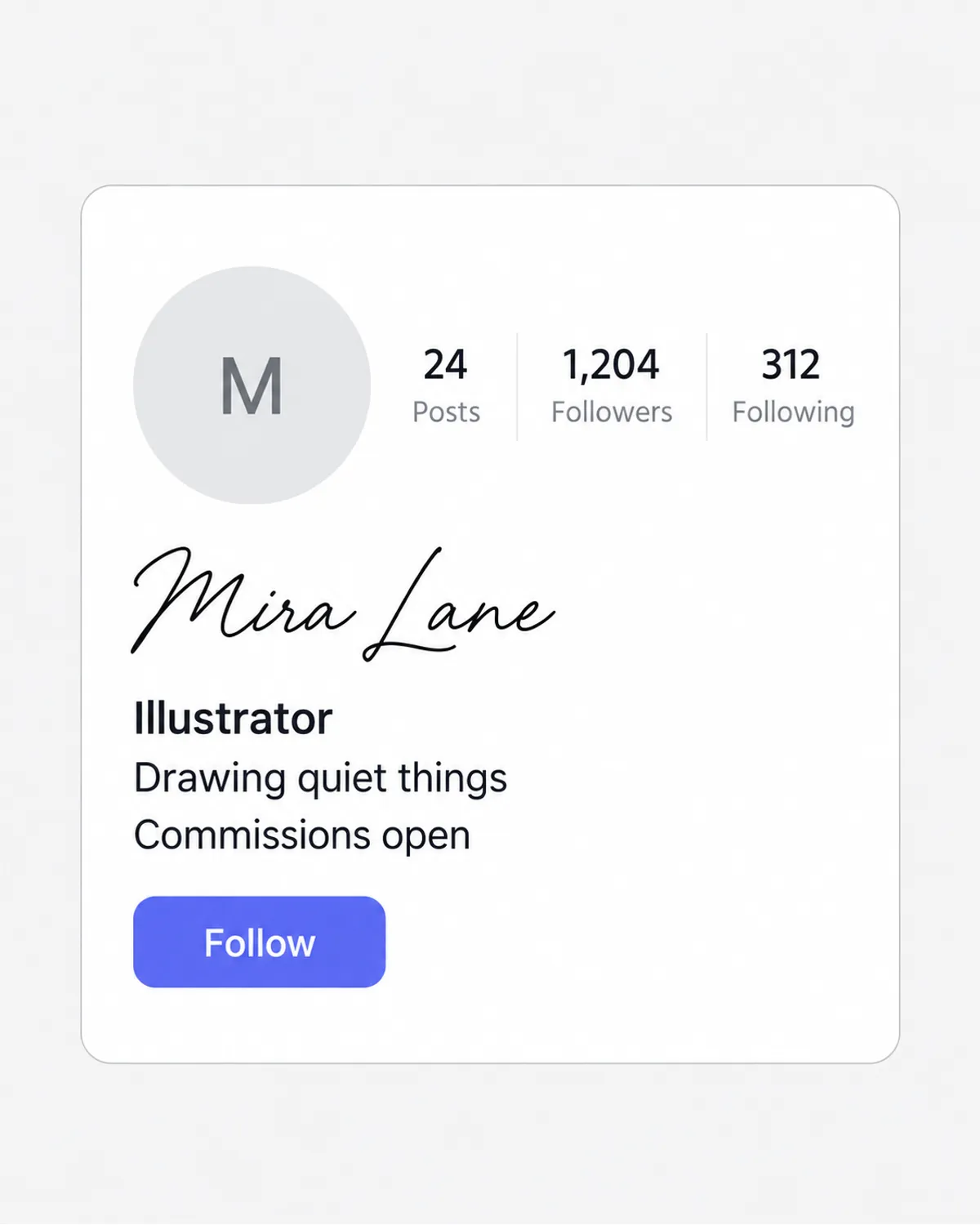
| Name (bold line under your photo, see Instagram name style) | Glance at it, search for it | 𝓟𝓻𝓲𝔂𝓪 bold cursive, ᴘʀɪʏᴀ small caps, one styled word next to a plain one | Anything that hides your real name from search |
| Bio (up to 150 characters) | Read it top to bottom | 𝗕𝗼𝗹𝗱 𝘀𝗮𝗻𝘀 for a label line, 𝑖𝑡𝑎𝑙𝑖𝑐 for a quote, plain text for links and contact details | Long runs of cursive or glitch text |
| Captions and comments | Scroll past quickly | A bold first line (𝐍𝐞𝐰 𝐩𝐨𝐬𝐭) or one emphasised phrase | Styling the whole caption, which is hard to read and to search |
A pattern that works for most bios is one styled line followed by plain lines:
𝗣𝗵𝗼𝘁𝗼𝗴𝗿𝗮𝗽𝗵𝗲𝗿 · 𝗠𝘂𝗺𝗯𝗮𝗶
Weddings, portraits, street
Bookings: link below ↓
The heading draws the eye, and everything someone needs to act on stays in normal letters.
How to add a styled bio, step by step
- Write your bio here first. Type each line into the box above. Unicode letters can take up more room than you expect once emoji and frames are added, so drafting outside Instagram saves trial and error.
- Copy one style per line. Tap the result to copy it. If you want a heading line in bold and the rest plain, copy only the heading.
- Open Instagram → your profile → Edit profile → Bio. Paste, then type or paste the remaining lines.
- Check the counter. Instagram’s Help Center sets the bio limit at 150 characters. Styled letters are single characters in most styles, but the line styles (s̶t̶r̶i̶k̶e̶, u̲n̲d̲e̲r̲l̲i̲n̲e̲) add a hidden mark to every letter and use twice the space.
- Save, then view your profile as a visitor. Open it from another account or in a browser to see the result the way others will.
Line breaks in your bio
The Instagram app lets you press return in the bio field to start a new line. Some people find their breaks vanish after saving. Instagram hasn’t documented why, but the fixes most often suggested are deleting any trailing space at the end of each line, or writing the bio in a notes app and pasting the whole block in one go. To centre a line, add regular spaces at the start; Instagram has no alignment setting.
Your name vs. your username
These two fields look alike but follow different rules:
- @username (the handle in your profile link and mentions): letters, numbers, periods and underscores only, according to Instagram’s Help Center. Fancy letters are rejected outright.
- Name (the bold line on your profile): accepts styled letters, emoji and symbols such as ꧁ ꧂. Reports say Instagram allows two name changes in 14 days (unconfirmed by Instagram’s help pages), so experiment before you settle.
Styled names and search
A fully styled Name can make you harder to find, since Instagram search reportedly does not match styled letters to plain ones. Keep the real name plain and style an extra word; the character limits, search trade-off and name ideas are in Instagram name style.
Copy-ready bio layouts
Five three-line bios, each built with the generator: one styled line, then plain lines for what people need to read. Counts are one per Unicode character, with each line break counted as one; the Instagram Help Center sets the bio limit at 150, and all five are well under it. Swap in your own words in the box above.
Photographer (72 characters)
𝗣𝗵𝗼𝘁𝗼𝗴𝗿𝗮𝗽𝗵𝗲𝗿 · Mumbai
Weddings, portraits, street
Bookings: link below ↓
Small business (80 characters)
𝗦𝘁𝘂𝗱𝗶𝗼 𝗞𝗮𝘃𝘆𝗮 ✦ ʜᴀɴᴅᴍᴀᴅᴇ ᴄᴀɴᴅʟᴇꜱ
Poured in small batches
Orders open every Friday
Student (71 characters)
𝗥𝗼𝗵𝗮𝗻 · ᴅᴇꜱɪɢɴ ꜱᴛᴜᴅᴇɴᴛ
Notes, sketches, late nights
Open to internships
Fitness (79 characters)
𝗖𝗼𝗮𝗰𝗵 𝗔𝗮𝗿𝗮𝘃 · ꜱᴛʀᴇɴɢᴛʜ
Beginner plans that fit a busy week
Free week-one plan ↓
Travel (68 characters)
𝗔𝗻𝗮𝗻𝘆𝗮 · ᴛʀᴀᴠᴇʟ ɴᴏᴛᴇꜱ
32 cities, one backpack
New guide every Sunday
For more wording, see Instagram bio ideas. To add a line separator or frame, use the text decorator, or pick a mark from the divider symbols or heart symbols.
Stories, Reels and Notes
Stories have their own font buttons in the text tool, and those are real typefaces drawn into the image. They are built for normal letters. If you paste 𝓒𝓾𝓻𝓼𝓲𝓿𝓮 into a Story, the letters should keep their Unicode shape, and switching fonts may not visibly change them. We have not tested every version of the app, so try it on your own phone. Use the built-in fonts for Story text, and use Unicode when you want the same look in a place without a font menu, such as your bio or a Reel caption.
For lettering that Unicode can’t produce, like outlined bubble letters with a drop shadow or a full calligraphy script, make an image with the Lettering Image Maker and add it to your Story as a sticker or background.
Copy and paste, and how it looks on other phones
Everything on this page works by copy and paste, because Instagram’s bio and caption boxes have no bold or italic button of their own, so styled text has to arrive as Unicode characters. We have not found an official Instagram page that says this, so it is our observation: check the editor in your version of the app. Your followers see each styled letter drawn by their own phone’s font, so the same bio can look slightly different on iPhone, Android and the web; that follows from how font fallback works, not from an Instagram rule.
What breaks, and why
- Boxes or question marks. The viewer’s phone lacks a font for that character. Bold, italic, cursive, small caps and vaporwave are safe on current iPhones and Android phones. The rarer “symbol” styles and runic or Yi letters can fail on older devices. Our guide to boxes in fancy text explains the details.
- Letters disappearing after you save. Third-party guides report that Instagram filters some characters, with heavy glitch text and stacked combining marks the most often removed. Stick to glitch text in its lightest setting, or skip it in your Name.
- One letter looks different. In cursive script, eleven letters (such as ℯ and ℴ) come from an older Unicode block, and some fonts draw them in a slightly different style. Bold cursive has no such gaps, which is why it’s the first style shown above.
- Small caps with a stray letter. Unicode has no small-cap X, so ᴍᴀx keeps a normal x. Small-cap Q (ꞯ, U+A7AF) exists but few fonts draw it, so q borrows the look-alike ǫ. That’s a font-support gap, not a copying error.
Accessibility on Instagram
Screen readers such as VoiceOver and TalkBack often announce each styled letter by its character name, for example “mathematical bold script capital P”, or skip it. A fully styled bio can be unintelligible to blind followers. Keep styled text to a short name or heading, and put anything important (what you do, how to contact you, what a post is about) in plain words. Our fancy text accessibility guide covers what each style sounds like.
If you only want the bio to feel lighter, the small text generator gives ᴛɪɴʏ ʟᴇᴛᴛᴇʀꜱ that are a little friendlier to read than script, and aesthetic fonts collects the soft, spaced styles that suit mood-board profiles.
Used sparingly, one styled heading plus plain text, Instagram fonts add personality without hiding anything people need to read or search for.
Frequently asked questions
Basics
How do I change the font in my Instagram bio?
Are Instagram fonts actually fonts?
Which Instagram font is easiest to read in a bio?
Where it works
Can I use fancy fonts in my Instagram username?
Does a fancy font use up more of the Instagram name limit?
Do Instagram fonts work in Stories?
How long can an Instagram bio be with fancy fonts?
Can I use Instagram fonts in captions and comments?
How often can I change my Instagram name to try a new font?
How it works
Why do my Instagram fonts show as boxes for some people?
Why do some Instagram font styles use more characters?
Why does one letter look different in Instagram cursive?
Tips & limits
Will a fancy name stop people finding me on Instagram?
Why did my styled letters disappear after I saved my Instagram bio?
Can screen readers read Instagram fonts?
Why do my Instagram bio line breaks vanish after saving?
Related generators & guides
- Instagram Name StyleThis Instagram name style generator gives you your name in fancy letters with optional frames like ꧁ ꧂. Pick a style, tap Copy and paste it into the Name field; your @username has to stay plain.
- Instagram Bio IdeasPick a bio, copy it, and swap in your own details. Every line fits the 150-character limit and keeps the important words in plain, readable letters.
- Text DecoratorThis text decorator wraps your name in 28 frames such as ꧁ ꧂ and ★彡 彡★, in the letter style you choose. Type a name, filter frames by mood, then tap a row to copy.
- Cursive Text GeneratorThis cursive text generator turns your words into script-style Unicode letters for names, bios and captions. Type your text, tap Copy and paste it into Instagram, TikTok, Discord or a message.
- Small Text GeneratorThis small text generator turns your words into tiny Unicode letters: small caps, superscript or subscript. Type your text, tap Copy on the style you like and paste it into a bio, name or caption.
- Aesthetic FontsThese aesthetic fonts turn your text into styled Unicode letters that match a look, such as coquette, dark academia or minimal. Pick a style, add a frame, tap Copy and paste it into your bio or caption.